What Happens After Someone Joins Your Mailing List
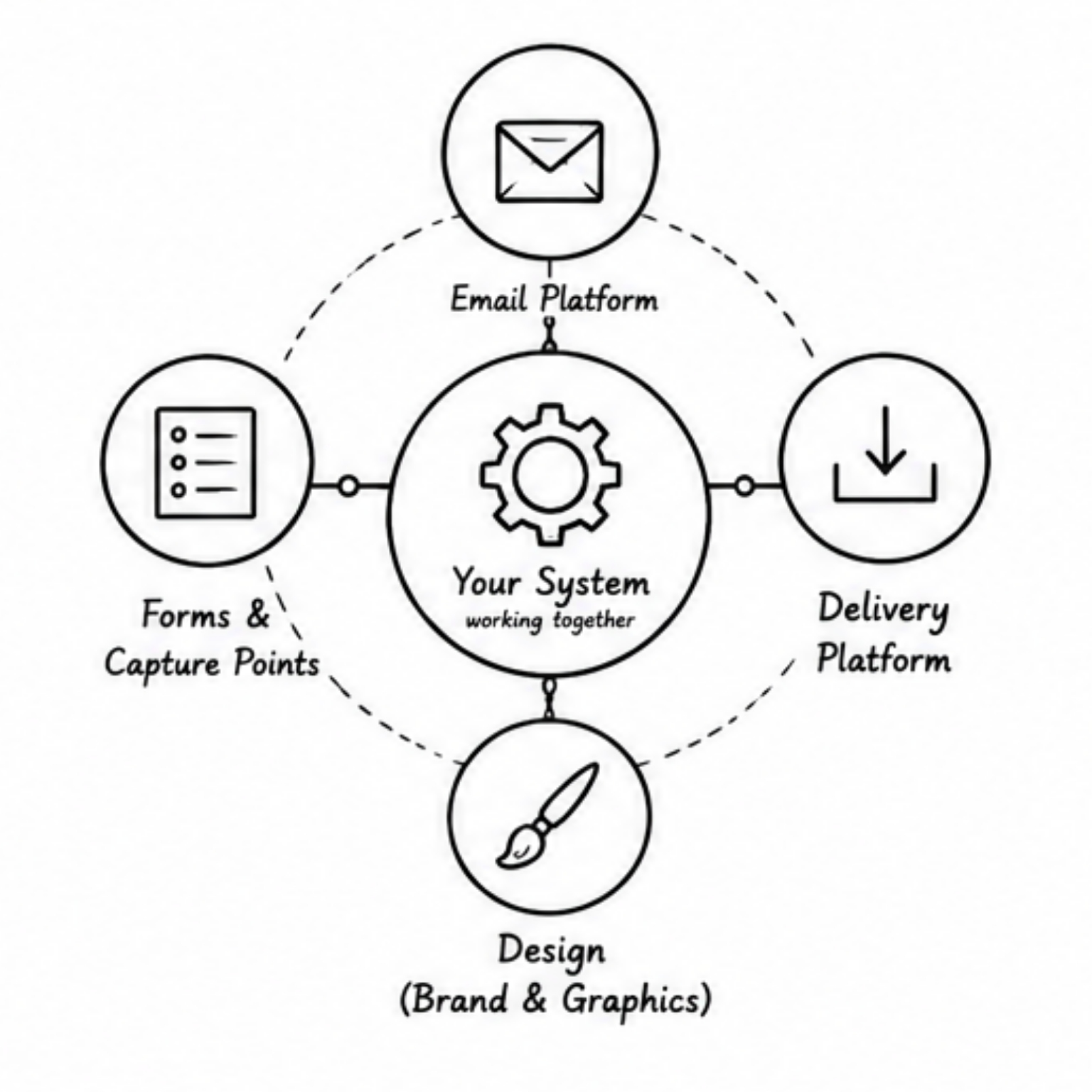
The Simple Systems I Use Behind the Scenes
In my last article, I talked about the various reader magnets I've tried and what worked best for me. But reader magnets are only half the equation.
Once someone joins your mailing list, what happens next?
Collecting email addresses is only the beginning. What you really need is a simple system that looks after your readers and grow them into royal fans, while you're busy writing your next book. (Loyal fans on day one might be expecting a bit much, but they gave you their email address, so at least try to keep them interested!)
Before we get into tools, take a deep breath. If you try to do everything that is recommended online, you'll quickly become overwhelmed.
My Core Toolkit
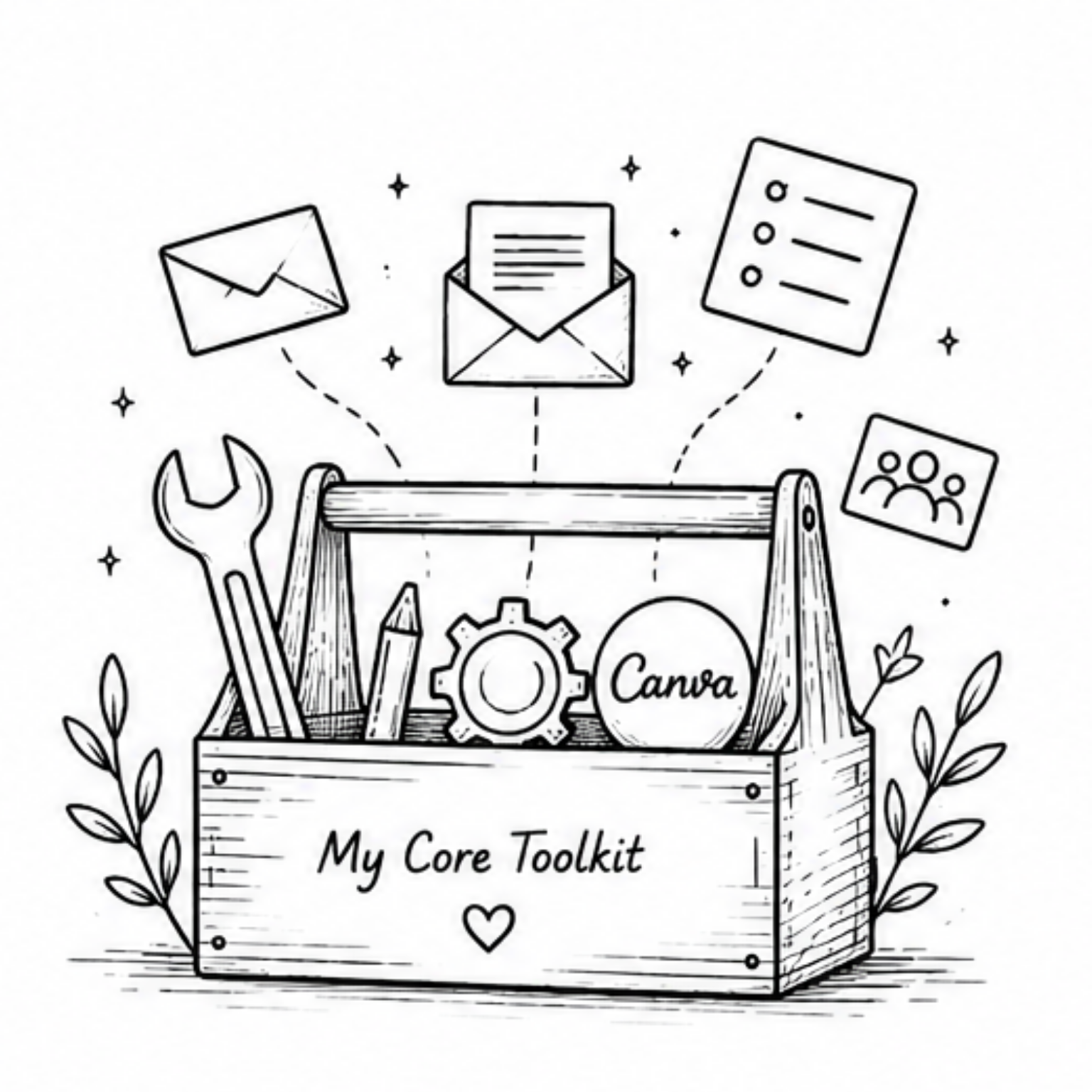
Initially, you really only need two things: an email platform and a way to deliver any reader magnets you're offering.
I use MailerLite as my mailing list provider. There are plenty of alternatives, including Mailchimp and Kit. The exact platform matters less than having a reliable place to manage subscribers, send emails, and build simple automations.
I chose MailerLite because, firstly, it was free and secondly, because I found it easy to use. Brains work in different ways though. I've heard other people say they find it unintuitive, so do whatever works for you. The important thing is that your chosen platform can send emails, support signup forms, and automate some of the repetitive tasks.
If your reader magnets include anything your subscribers need to download, you'll also need a delivery platform. I use BookFunnel.
You can host giveaways directly on your website, and for simple one-page downloads that can work perfectly well. But if you're giving away a free book, a bonus chapter, or a prequel, you'll probably want something that is designed specifically for readers and the devices they use.
The last thing you want is to spend an hour helping someone figure out why they can't get your bonus chapter onto their Kindle. Using a dedicated delivery platform means someone else handles those support headaches for you.
So in short, your delivery platform should provide easy delivery options, good reader support, and a smooth reader experience.
Lastly, and I know I said you only need two things, and you do, but I found that having a graphic design tool in addition to the others, really helped get me over that overwhelm line.
I use Canva for my design. There are others out there that are probably just as good. I use this to create my reader magnets, my brand graphics, bookmarks, social posts and basically anything else that needs to be designed.
Canva allows me to store my brand toolkit in one place, my images, colors, fonts and designs. That means when I create a bookmark, a newsletter, a reader magnet or a social post, they all feel like they belong to the same author. This keeps everything that I use cohesive and ensures a consistent tone. This was important for me as I grew my mailing list. But more about that another time. Canva has become part of the core toolkit that I depend on to support my reader magnets and subscribers.
Let’s Talk Forms
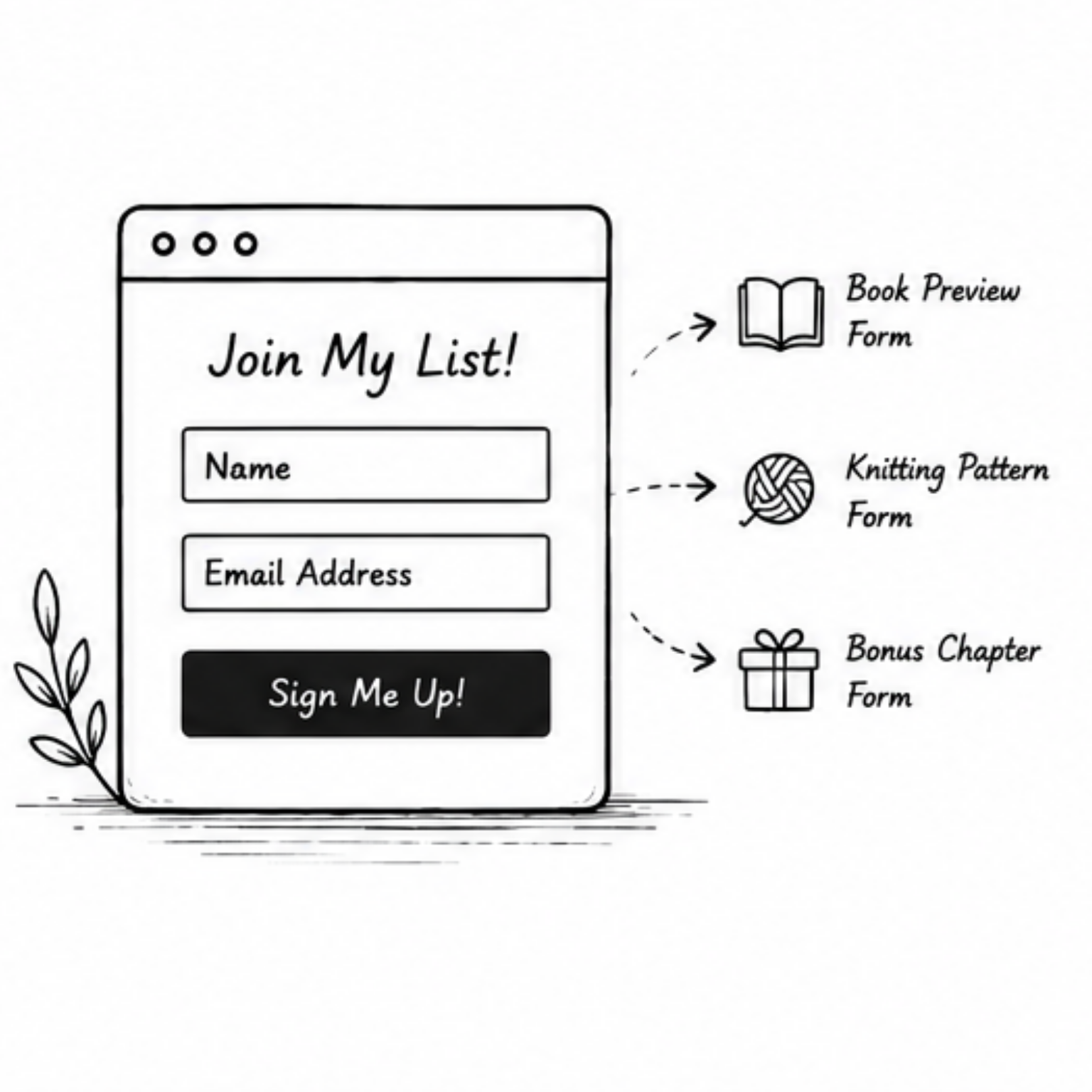
Once I had my toolkit in place, I made another discovery. Every time I added a new reader magnet, I was creating another way for readers to find me.
That meant I needed somewhere for those readers to land.
At first, I had one generic newsletter signup form. It worked perfectly well, but over time I realised that readers who downloaded a bonus knitting pattern weren't necessarily looking for the same thing as readers who downloaded the first two chapters of my book.
So I started creating dedicated forms for different reader magnets.
Don't worry, this doesn't have to be complicated. You don't need dozens of forms and hundreds of tags on day one. In fact, I'd recommend the opposite.
Start with one or two forms and use simple groups that make sense to you. I have groups for things like "Book 1 Preview" and "Book 2 Bonus." That's enough for me to understand where readers came from and what they're interested in.
I know that initially, the temptation is to build the perfect system before you've sent a single newsletter. I definitely spent far too much time thinking about tags and segments that I didn't actually need.
Now I try to keep things practical.
If I'm honest, this is probably the one area I'm still tinkering with. At the moment, I have multiple forms, usually tied to specific reader magnets or signup locations. This lets me understand where readers came from and what interested them enough to subscribe.
I know there are more sophisticated ways to do this. For example, I'd love to eventually use a single form and have different QR codes or landing pages automatically assign readers to different groups. I'm experimenting with some of that now.
But for the moment, multiple forms work for me. They may not be the most elegant solution, but they're simple enough that I understand them, and that's often more important than having the perfect setup.
Automating the Experience
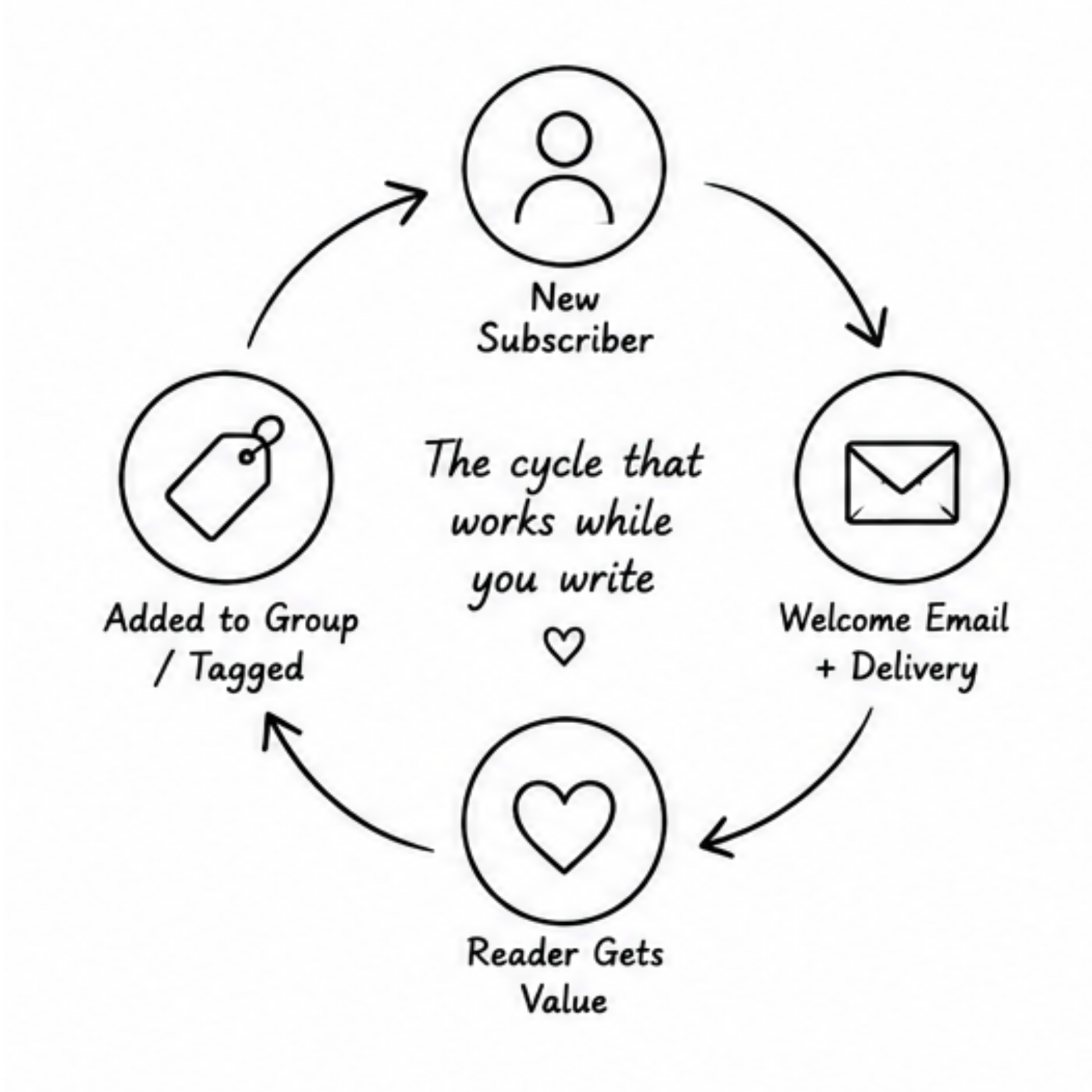
The final piece of the puzzle is automation.
When someone joins my mailing list, I don't want them sitting there wondering if the download worked or who I am. A simple welcome email delivers the reader magnet, introduces me and sets expectations for what they'll receive next.
That's it.
My automations aren't particularly clever. They exist so that readers don't fall through the cracks and so I don't have to remember to do everything manually.
And that's probably the biggest lesson I've learned from setting up my backend systems.
The best system isn't the most sophisticated one. It's the one that quietly does its job while you get back to writing your next book.
The biggest surprise for me was how much calmer everything felt once those welcome emails were running automatically. New subscribers were getting the right information at the right time, and I wasn't constantly wondering whether I'd forgotten to send something.
Progress over Perfection
Every time I learn a new feature in MailerLite, I discover three more that I haven't used yet. The same is true of Canva, BookFunnel, and probably every other tool in my stack.
It's tempting to believe you need the perfect system before you start attracting readers. In reality, the opposite is true. Start with something that works. You can improve it later.
Most of my current setup exists because I solved one problem at a time rather than trying to design the perfect ecosystem from day one.
Reader magnets help readers discover you. Your backend systems help them stay. But neither needs to be perfect before you begin.
Key Takaways
You only need two core tools to start: an email platform and a delivery platform. Keep it simple.
Use tools that feel intuitive to you, not the ones everyone else swears by.
A dedicated delivery service saves you from endless “why won’t this load on my Kindle” emails.
A design tool like Canva keeps your brand consistent without making you reinvent the wheel every time.
Start with just one or two forms. Add more only when you actually need them.
Don’t overthink tags and segments. Practical beats perfect every time.
A basic welcome email is enough to make new subscribers feel looked after.
Automations don’t need to be clever — they just need to run without you.
Build your system one solved problem at a time. Perfection can wait.
The best backend is the one you understand and can maintain without stress.
Want More Practical Indie Author Resources?
If you’re still building your mailing list and author setup, I also have a free guide covering the foundational systems and tools I wish I’d understood earlier in my publishing journey.
And if you’re new here, don’t forget to read the first article in this series: Reader Magnets That Actually Fit Your Books.
